

Try Before You Pay — Your First Class Is FREE!
All courses

Artificial Intelligence

Practical AI: From Everyday Use to AI Application Development

From Everyday Use to AI Application Development

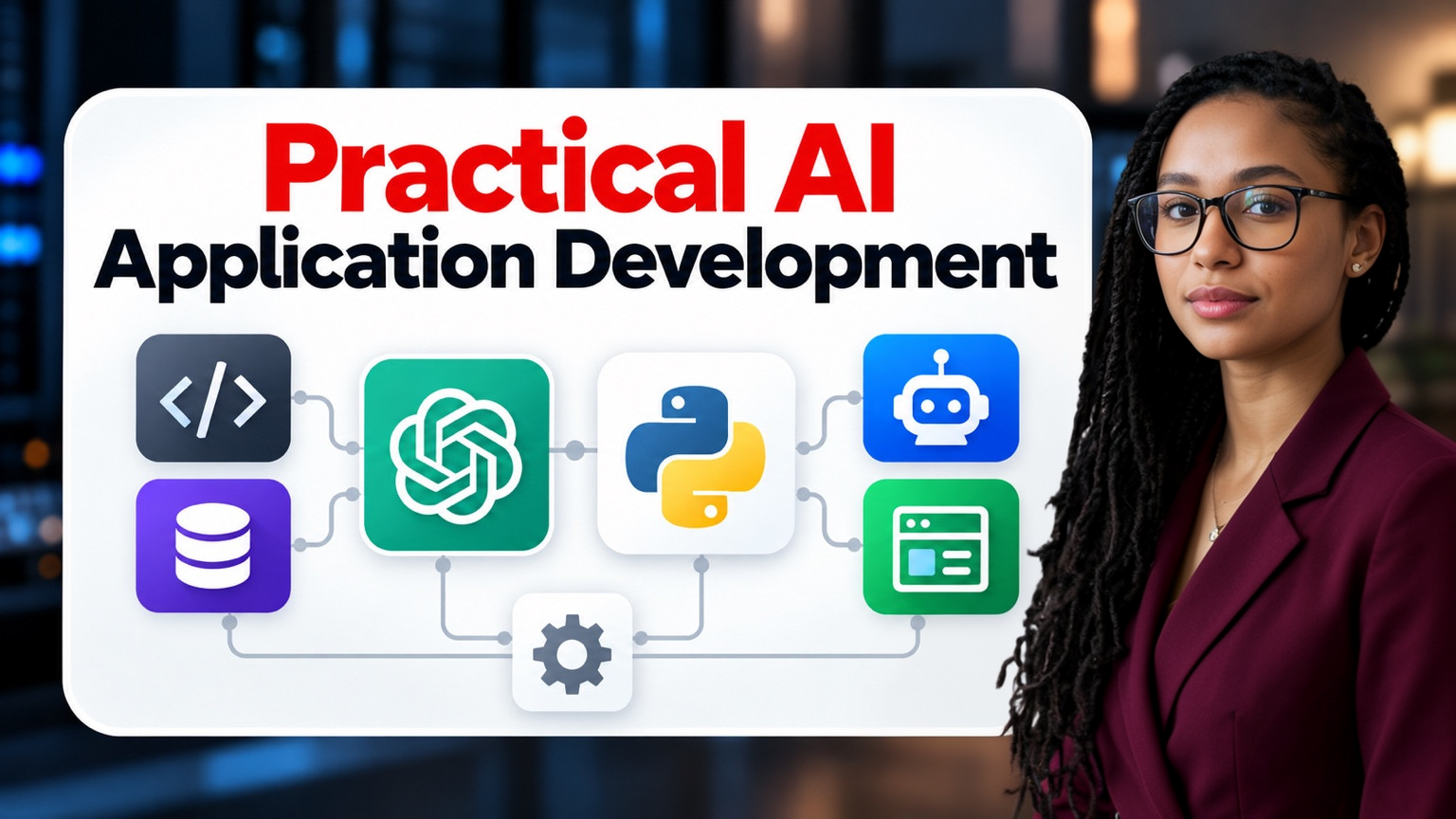
Go from using AI every day to building your own AI applications, with no programming experience needed. Over 12 weeks of live classes you learn to use AI tools well, learn Python from zero with an AI coding assistant at your side, and build a chat app, a document Q&A app and simple agents, finishing with your own AI application. Each 90-minute class starts the hands-on work with the tutor, and you finish it as between-class practice with a written guide.

  • Live classes
  • Beginner to intermediate

Live on Zoom

Duration
12 weeks
Format
2 live classes per week
Live classes
24 × 90 min
Live teaching
36 hours

How the course is taught

All classes are taught live on Zoom by your instructor, who shares their screen and works through each topic step by step. You follow along and practice on your own computer during the class, ask questions as you go, and get help when you're stuck. Between classes you complete short practice tasks that build on what you learned. Classes may be recorded for educational replay, with access restricted to authorized students in the relevant class.

Live on Zoom · The instructor shares the screen

Who this course is for

This course is for adults who are comfortable with a computer and want to understand and build with AI, not just use it. It suits professionals who want to use AI properly in their work, people curious about programming who have never written code, and career changers looking for practical technical skills. You don't need any programming experience: Python is taught from the very beginning.

Support after the course

You finish the course with a working AI application of your own, deployed so others can use it, together with its code, evaluation report and handover notes. You also keep every project you build along the way, including your prompt library, chat app and document Q&A app, so you have a portfolio to show and a solid base to keep building on.

What you'll learn

Curriculum

12 modules · 48 topics covered

The order the course is taught in. Open a module to see what it covers and the practical work it includes.

Module 01: AI fundamentals and effective everyday use

The first week shows you what AI can really do for you. In the free first class you use AI for a real task, learn why it sometimes invents facts and what you must never paste into it, and see the application you will build by the end of the course. In the second class you learn to write prompts that give clear, consistent and usable answers.

Module 02: Research, writing and structured work

This week you use AI as a real work assistant. You learn to research, draft, summarize and translate with AI while checking every important claim against reliable sources. You also learn to design multi-step workflows on paper before automating them, a skill you will use later when you build applications.

Module 03: Development setup and Python essentials

This is where you start programming, with no experience needed. You install Python and VS Code, learn to use the terminal and set up an AI coding assistant as your tutor, with one rule: understand every line you keep. By the end of the first class you will have run a script that calls an AI model, and in the second you learn the Python basics every AI application needs.

Module 04: Functions, files, JSON and API fundamentals

This week you learn how real programs are organized and how they talk to online services. You organize code into functions, read and write files and JSON, the format AI services use, and handle errors gracefully. You then learn what an API is, how requests and responses work, and how to keep API keys secret.

Module 05: First AI API calls and structured outputs

This week you connect your own code to an AI model. You learn how AI APIs work, including messages, instructions, models and settings, and write a script from scratch that sends prompts and handles errors. You then learn to ask the model for structured data and check it in code, so your applications behave reliably.

Module 06: AI chat applications and conversation design

This week you build your first real application: a chat app with a simple interface. You learn to keep the conversation history, separate the interface from the AI code, and control the app's behavior with system instructions. You also learn how to handle long conversations and unclear requests.

Module 07: Tools, function calling and data integration

This week your AI app learns to do things, not just talk. You learn how a model can ask your program to run functions, and why every argument it sends must be checked. You then connect your app to APIs, databases and files, including through the Model Context Protocol (MCP), while keeping its access limited and logged.

Module 08: RAG fundamentals and document Q&A applications

This week you teach AI to answer from your own documents. You learn retrieval-augmented generation (RAG) step by step: splitting documents, embeddings, search, and answering with sources and an honest "I don't know". You then build a document Q&A application, and choose the use case for your own final project.

Module 09: Agents and AI automation workflows

This week covers agents and automation, and when not to use them. You learn how an agent combines a model, instructions, tools and a loop, and how to keep it safe with limits and stop conditions. You then combine AI with ordinary automation and human approval steps, so important decisions are always checked by a person.

Module 10: Multimodal AI, data handling and application state

This week extends your apps beyond text and makes them remember. You learn to work with documents, images and speech, and the cost and privacy trade-offs involved. You then store your app's data in a SQLite database and learn what to keep, what to recompute and how to log safely without exposing personal data.

Module 11: Security, evaluation and deployment

This week prepares your app for real users. You learn to protect it against prompt injection and tool abuse, keep secrets safe and control costs and rate limits. You then measure whether the app is accurate, grounded, fast and affordable with a test set, and deploy a first version so others can use it.

Module 12: Capstone application

The final week is about finishing and presenting your own AI application. You complete the app with instructor review of its interface, data, tools, storage and security, and run its acceptance tests. You then demonstrate it, test it against edge cases and attacks, and explain its limits, its costs and when a person must check its answers.

Class schedule

Times are shown in the official time zone for each class, with your local time when available.

  • 12 weeks
    Starts
    June 15, 2027
    Ends
    September 2, 2027
    Class time
    20:30–22:00 America/Chicago

By the end of the course

  • Use generative AI productively while recognizing hallucinations, privacy risks and the need to verify.
  • Design reusable prompts and multi-step AI workflows.
  • Write beginner Python programs with variables, conditions, loops, functions, files and JSON.
  • Use an AI coding assistant to learn and debug, without copying code blindly.
  • Explain HTTP and API requests, and protect API keys.
  • Call an AI model from Python and validate structured responses.
  • Build a chat application with conversation history.
  • Give an AI application safe tools and connect it to data, including through MCP.
  • Build a document Q&A application with retrieval and sources.
  • Build simple agents and automations with human approval points.
  • Evaluate, secure and deploy an AI application.
  • Present a working capstone application and explain its limits.

Before you start

  • No programming experience is needed. Python is taught from zero.
  • You should be comfortable using a computer, a web browser, files and folders, and Zoom.
  • If those basics are still new to you, we recommend Computer & IT Foundations first.
  • Before class 1, you create a free account with an AI assistant. We send the instructions.
  • From class 5, your applications call an AI model through an API, which can have a small cost per request. The setup guide explains how to get access and what to expect to pay.

Next step

Join the next live cohort

Confirm the dates in the enrollment panel and enroll online.

Available